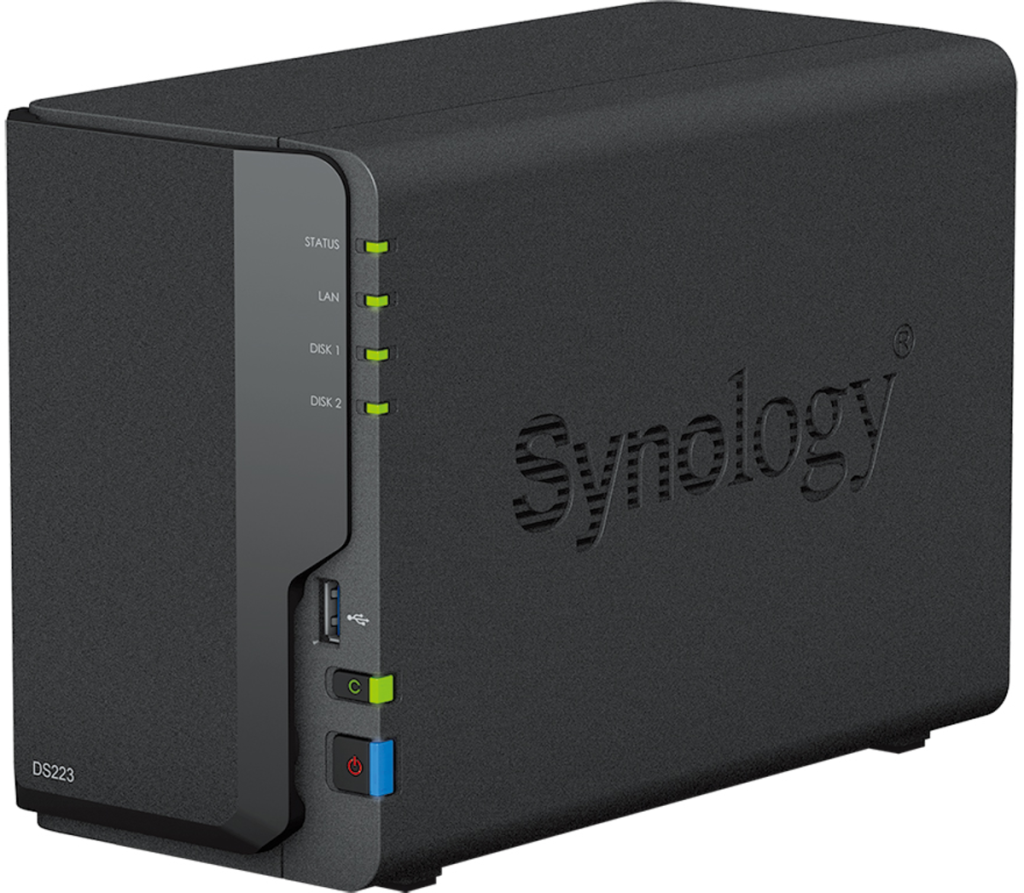
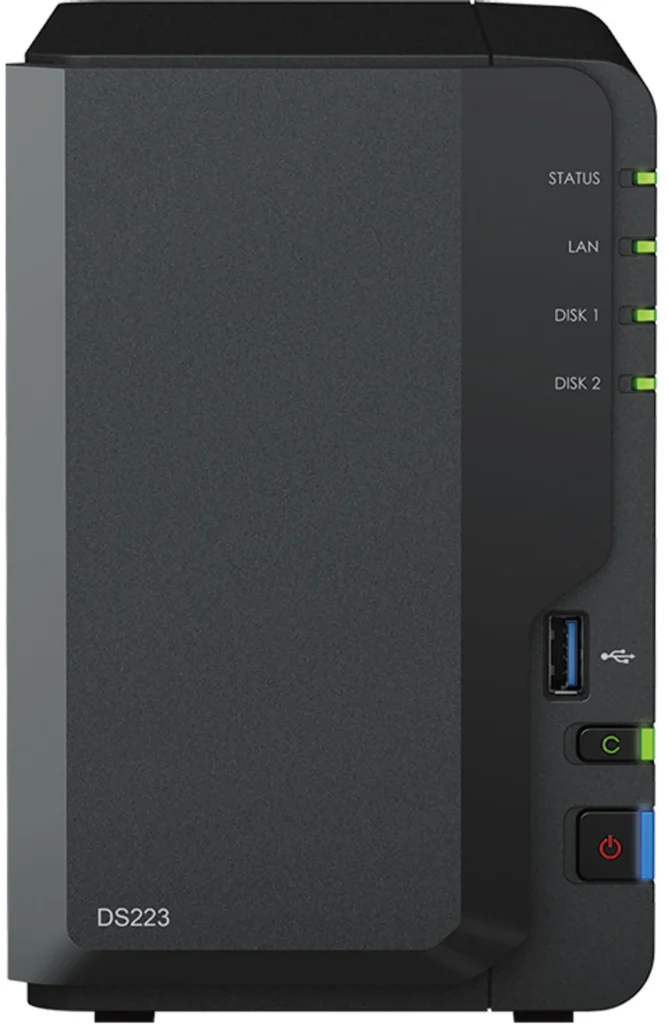
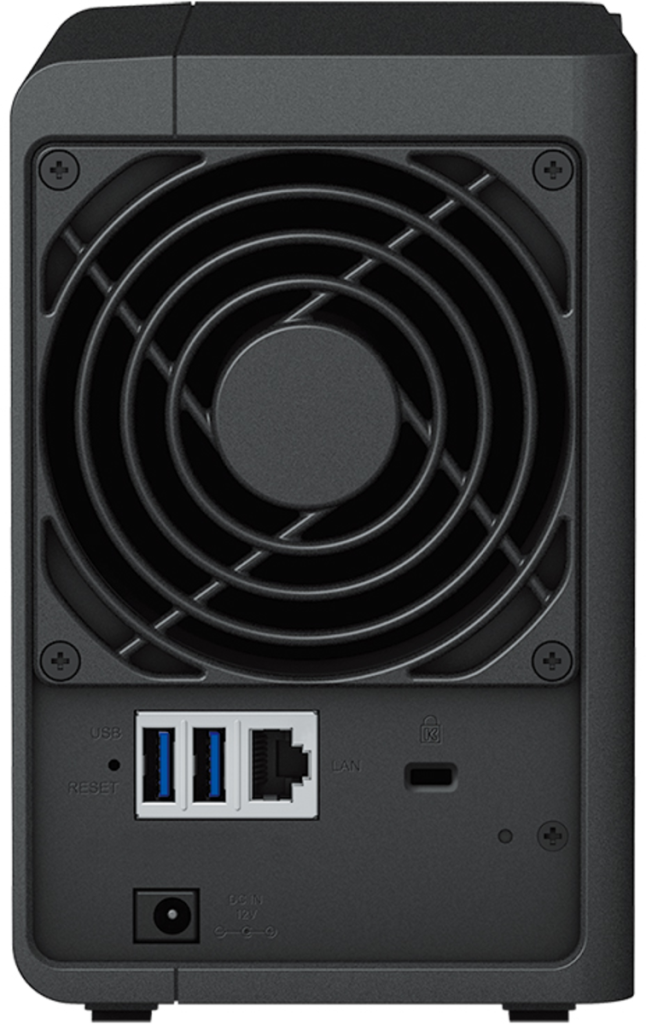
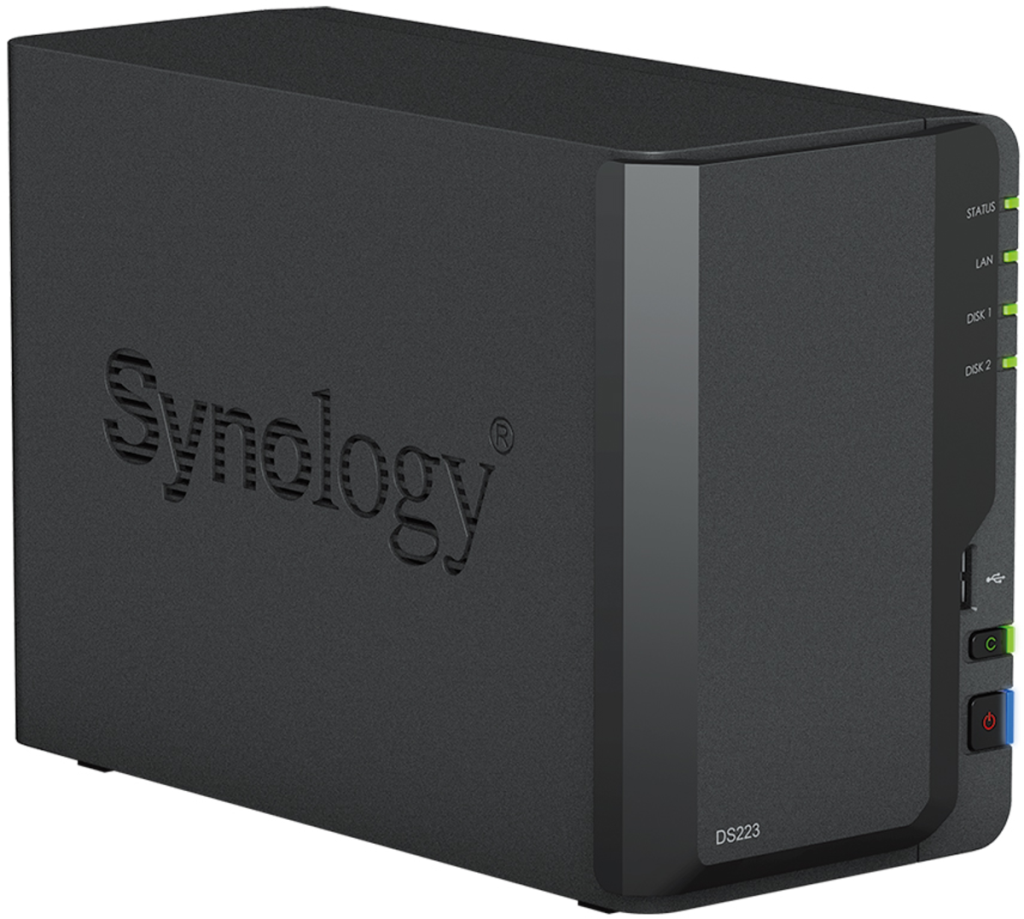
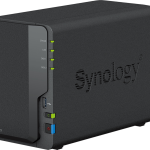
Synology DS223 – Evidence Storage & Archiving NAS (Advanced)

£260.00

Description

Reliable 2‑bay NAS system for evidence storage, long‑term archiving, and team workflows. Intended for organisations and advanced users handling larger volumes of material.


The Synology DS223 is a compact, professional Network‑Attached Storage (NAS) system designed for structured storage, organisation, and controlled access to digital material.

Within an OSINT or investigative context, devices like the DS223 are typically used after collection and analysis, as part of an evidence retention and archiving workflow, rather than during active field work.

This is not an operational device for most volunteers. It is intended for:

  1. Organisations and small teams
  2. Journalists or NGOs managing shared material
  3. Long‑term storage of research outputs and evidence
  4. Internal archives and backups

If you do not already have a clear need for centralised storage, you likely do not need this device.


What This Device Is For

  1. Centralised evidence storage (images, video, documents, datasets)
  2. Controlled access for small teams
  3. Long‑term retention and backups
  4. Separation between operational devices and stored material


What This Device Is NOT

  1. Not a field device
  2. Not a forensic appliance
  3. Not an anonymity or security guarantee
  4. Not required for most volunteers or individual analysts


Key Features (High‑Level)

  1. 2‑Bay NAS enclosure (supports RAID configurations depending on setup)
  2. Reliable, low‑power operation suitable for continuous use
  3. Synology DSM operating system for file management, user permissions, and backups
  4. Widely adopted platform with long‑term vendor support

(Drives are typically sold separately unless stated otherwise.)


Operational Framing (Important)

This product is listed as a reference‑grade storage option for advanced users and organisations.

True Observer does not configure, harden, or pre‑load this system by default, and does not provide forensic guarantees.

Correct use requires:

  1. Clear internal policies
  2. Proper access control
  3. Secure physical placement
  4. Independent backup strategy